entrenamiento
FTP power zones calculator: train with data, not by feel
September 5, 2026 · GranFondoTemple·Leer en español
Some links are affiliate links. Buying through them may earn GranFondoTemple a commission at no extra cost to you.


Training “by feel” works fine until race day, when you find out your heart rate is two beats behind your actual effort. Power doesn’t lie and doesn’t lag: if you know your FTP, you know exactly which zone you’re pedalling in at any moment. Enter your FTP below and get your zones instantly.
Calculate your power zones
Power zones (FTP) calculator
Don't know your FTP? Multiply your best 20-minute average power by 0.95.
| Zone | Range (W) |
|---|---|
| Zone 1 · Active recovery | - |
| Zone 2 · Endurance | - |
| Zone 3 · Tempo | - |
| Zone 4 · Threshold | - |
| Zone 5 · VO2max | - |
| Zone 6 · Anaerobic | - |
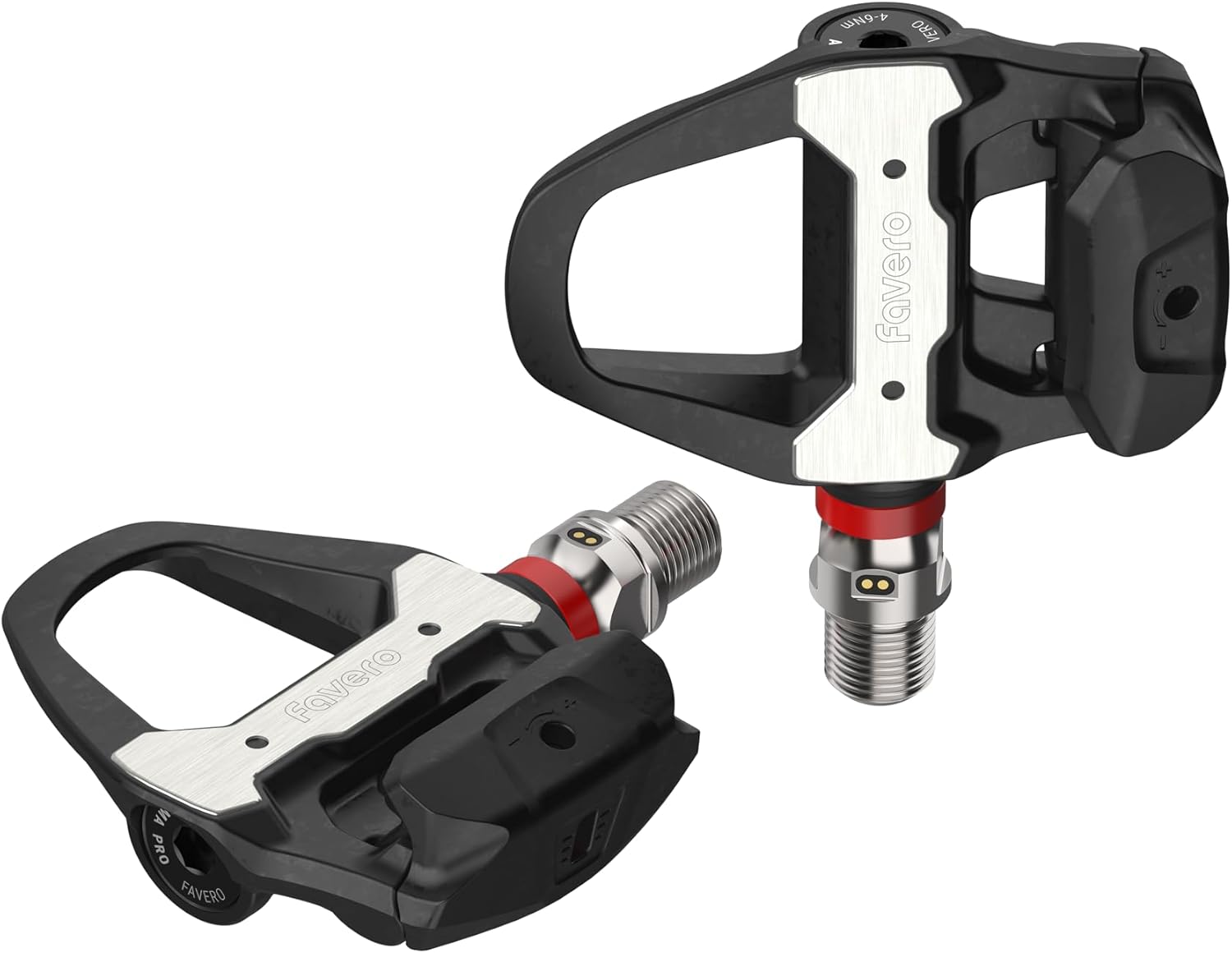
To actually train by power you need to measure it. Here's what most gran fondo riders run:

Why training by zones changes your gran fondo result
A mountain gran fondo isn’t won in Zone 5. It’s won by managing Zone 2 and Zone 3 well for hours, and saving Zone 4 for the climbs that actually demand it. Without a number in front of you, there’s no way to know if that “strong climbing feeling” is a sustainable 250W or a 320W effort that’s going to cost you at kilometre 40.
- Zone 2 (Endurance): the bulk of your training hours and of the event’s flat sections.
- Zone 3-4 (Tempo/Threshold): long climbs, where you decide whether you finish strong.
- Zone 5+ (VO2max/Anaerobic): short kickers and one-off attacks, never the pace of the whole event.
The one requirement: measure power for real
A zone calculator is useless if you can’t see which zone you’re actually riding in real time. That takes a reliable power meter paired with a cycling computer that displays it on screen while you ride — estimating it by feel or via a phone app isn’t enough.
View Favero Assioma Pro RS-2 on Amazon →If you already have a power meter: a Garmin Edge 1040 shows your zones live and keeps a history so you can track progress event after event.
View Garmin Edge 1040 on Amazon →How to estimate your FTP if you don’t know it
Do a 20-minute all-out test and multiply your average power by 0.95. That number is your starting FTP — good enough to train by zones right away, and you can refine it every 6-8 weeks by repeating the test.
Not sure which power meter to run the test with? Check our power meter comparison. And once you have your zones, plan your pacing for the whole event with our finish time calculator.